Weddings, birthdays, christenings and every celebration
Your wedding, in every guest's pocket.
Plan your event online. Your guests get an elegant, free app where everything is waiting for them: the invitation, the schedule, their RSVP, their table and your photos.
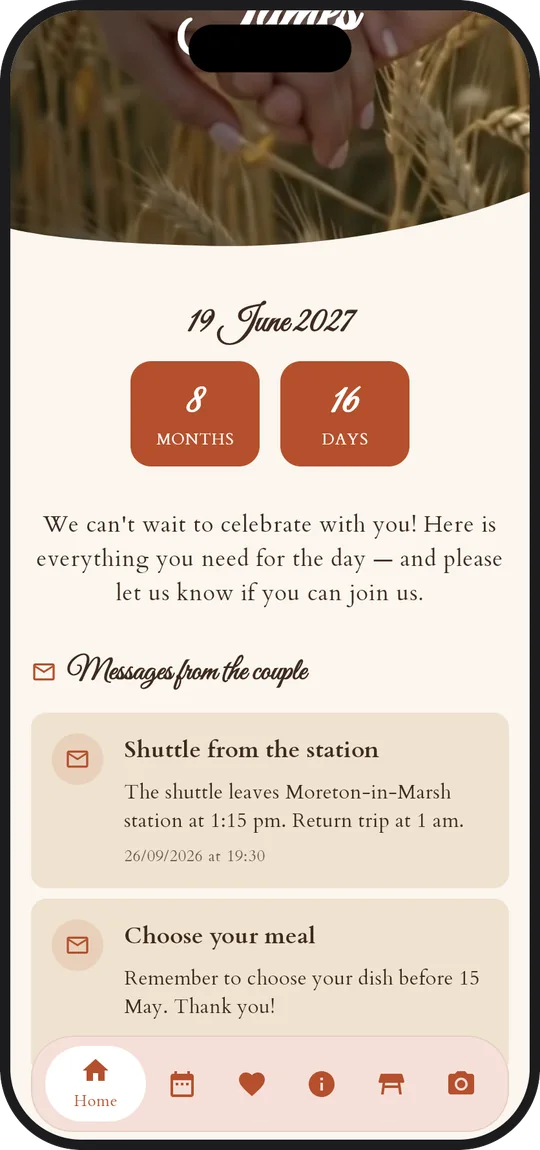
New message from the coupleThe shuttle leaves the station at 2:15 pm.
Guest app 100% freeNo account for your guests6 languagesData hosted in Europe
One tool for all your big moments
Wedding
Birthday
Christening
Wedding anniversary
Corporate event
Party
The wording adapts: the couple, the hosts, the organiser…
Brand new
Your celebration, like nobody has lived it before
A photo feed that buzzes all night, a photo booth, games that get your guests mingling and a story to tell them: IDoApp joins the party.
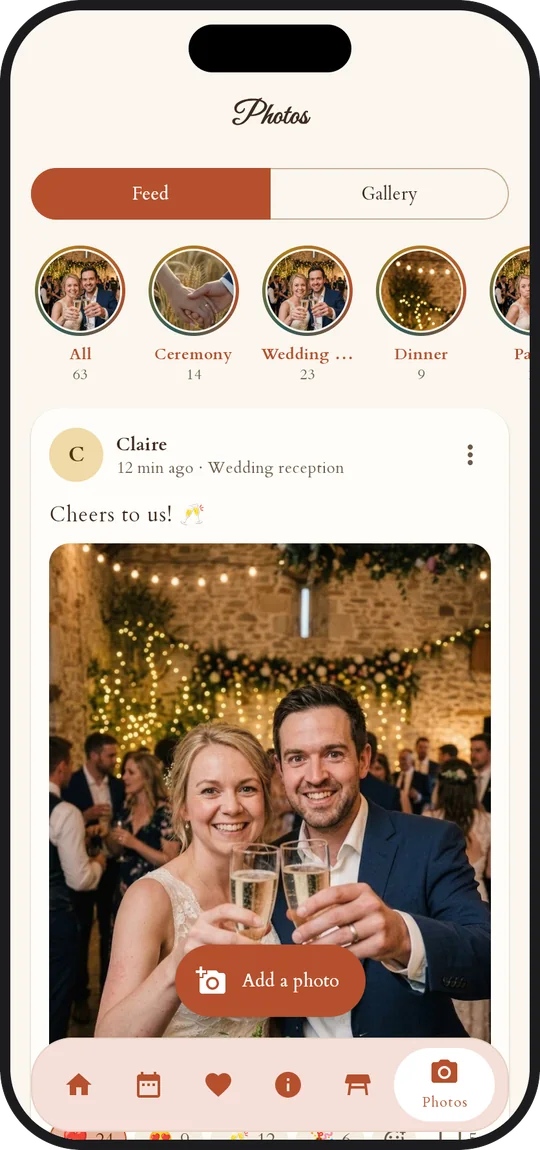
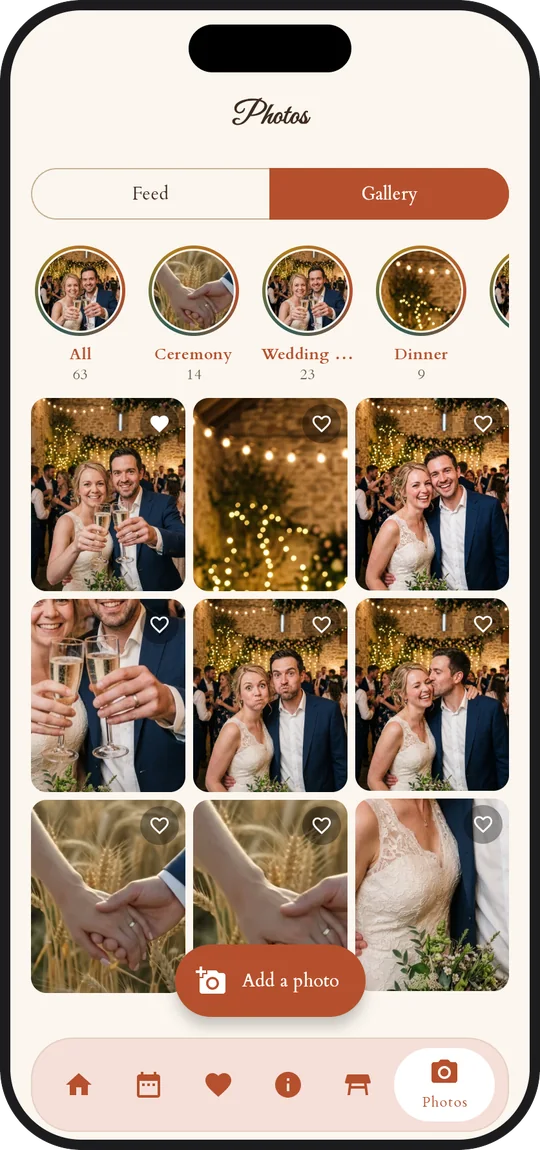
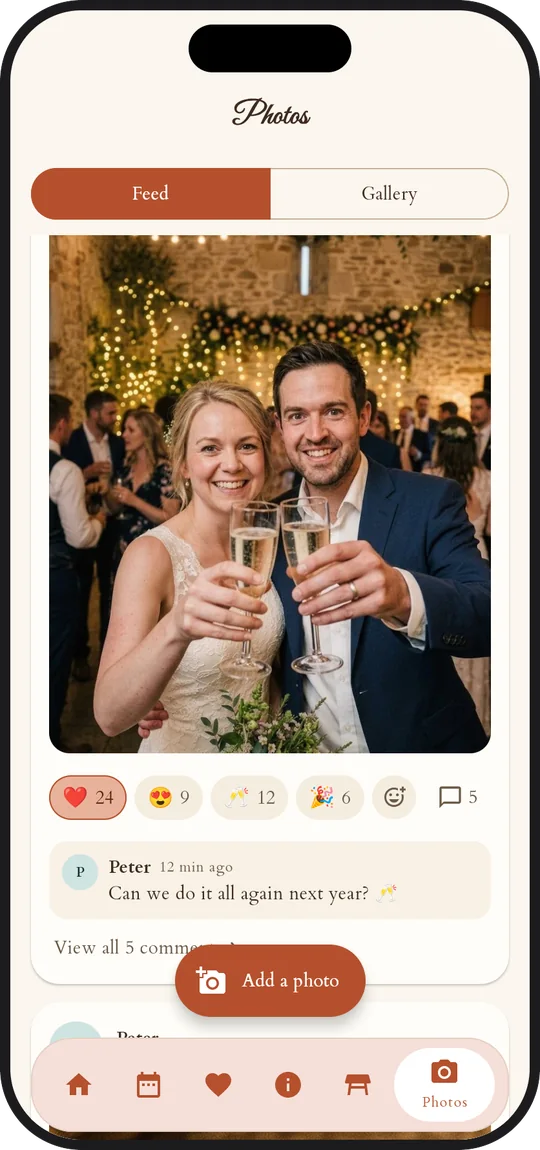
Photo feed
Your own social network, for one celebration
Every guest posts photos from their phone. Others react, comment and relive the ceremony, the dinner or the party as a story. The next morning, it's all there, yours.
Emoji reactions and comments
Every highlight replayed as a story
Moderated by you or people you trust
Every photo as a zip and a PDF guestbook
❤️
IDoSnapp
Photo booth
A phone, a tripod: your photo booth
Install the IDoSnapp app, enter the code: countdown, flash, four poses. Every strip goes straight into the photo feed.
Our story
Our story
Tell them your story
A few pages, each with a photo and a few words: your guests discover them like a letter when they open the invitation, and reread them whenever they like.
Games
Games that break the ice
Start them with one tap at the right moment. Your guests take on photo challenges, hunt for their partner across the other tables, and the party gets going on its own.
Photo challenge: one done, the next one drops
Pairs: find your partner, confirm at the photo booth
Suggested challenges, or your own
Photo challengeA selfie with the longest-married couple in the room
Your partnerYou are Romeo: find Juliet…
Themes
Thirty themes, one of them made of glass
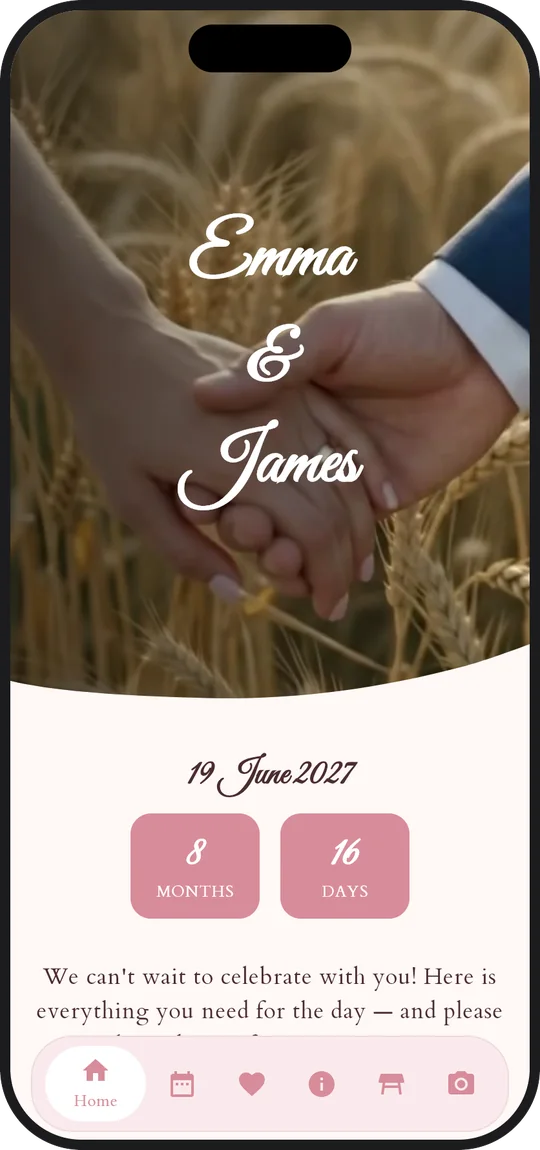
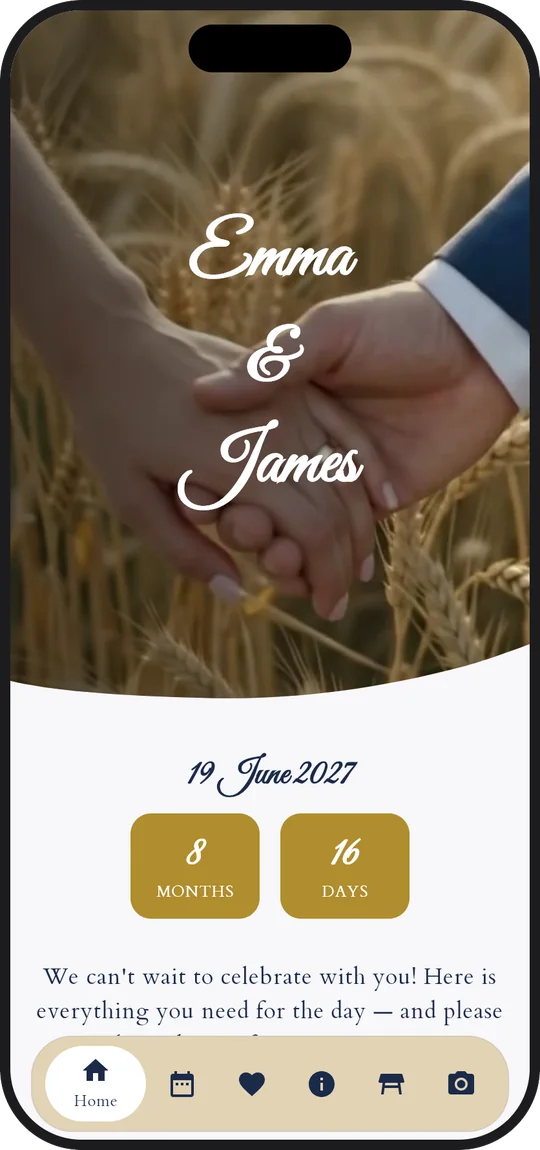
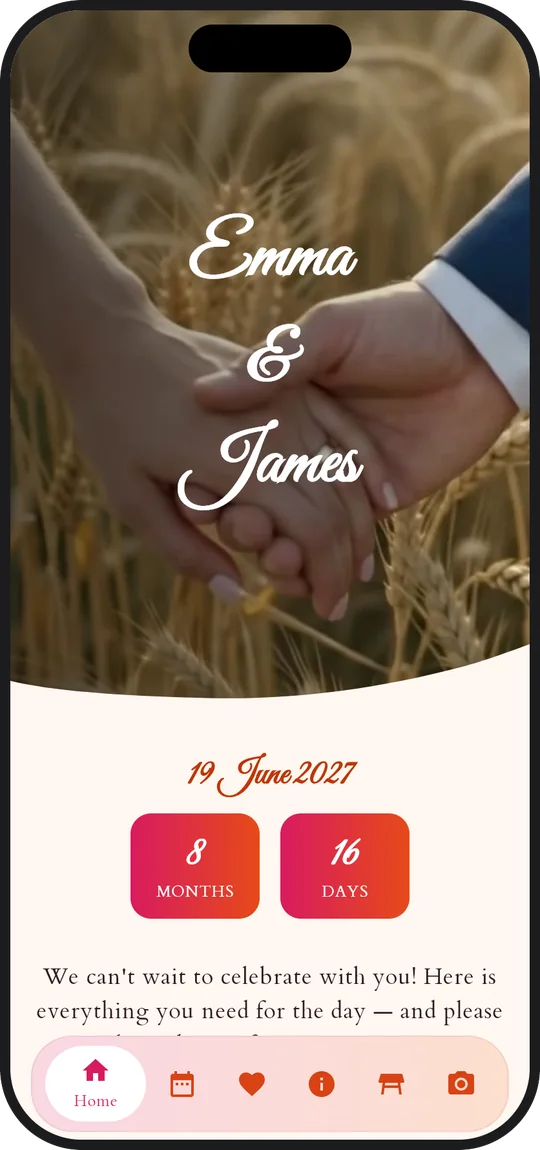
The Glass theme and its six variations float frosted cards over an iridescent background. Art Deco, Mehndi and Sakura have joined the collection, with new fonts and dividers to choose from. Or design your own.
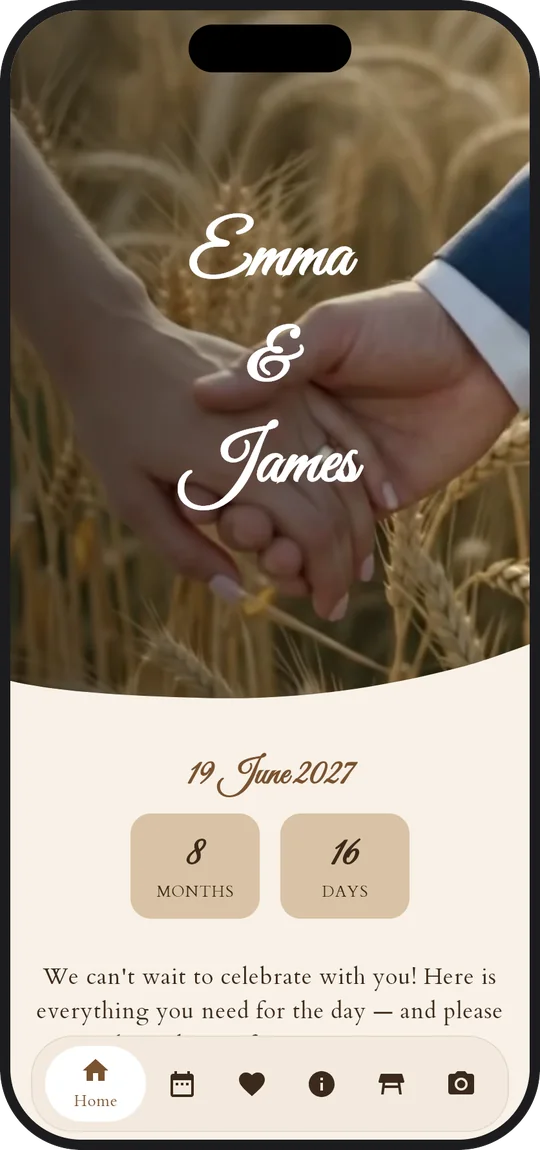
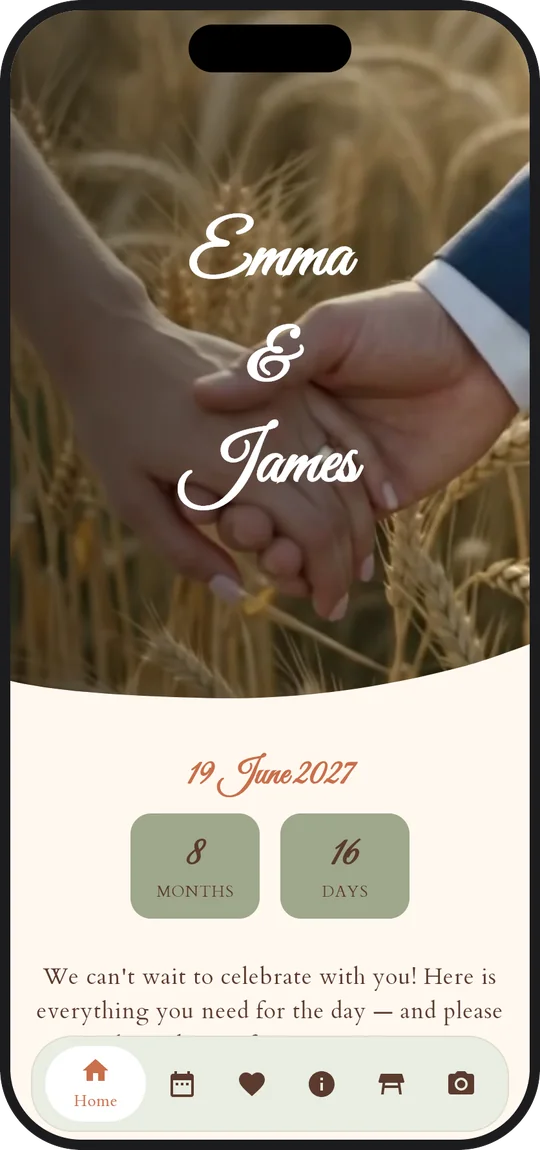
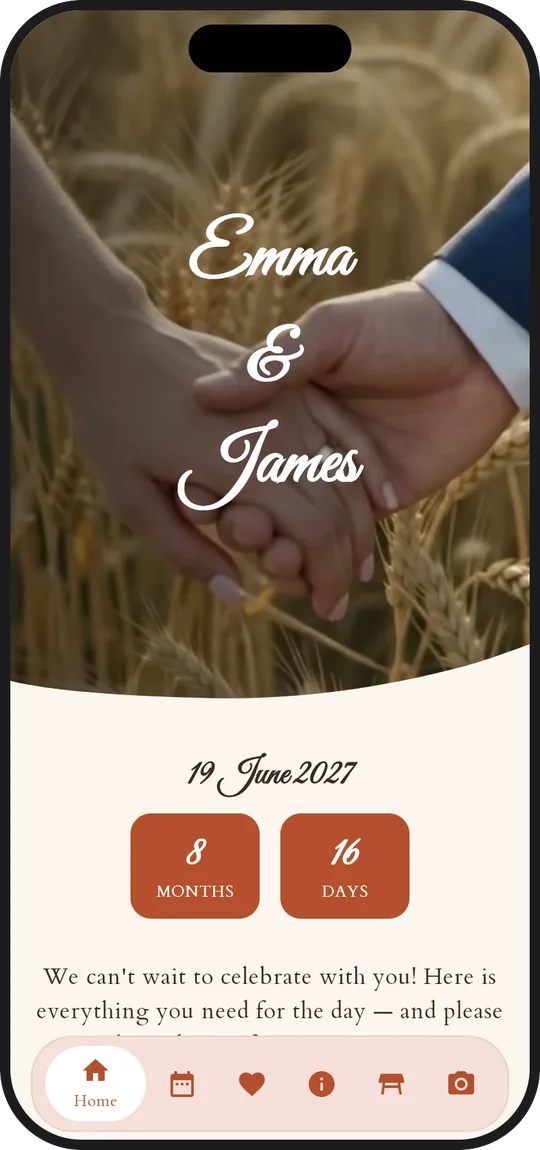
Emma & James
19 June 2027
VerreArt décoSakuraMehndiBohème
Plan it together
Invite a best man, a parent or your wedding planner: each with their own account, on the same event.
Seated together
Keep two guests at the same table or side by side, or keep them apart: automatic seating follows your rules.
“Our plans have changed”
A baby on the way, a new partner? The family tells you from the app, and you get an email.
A seal to break
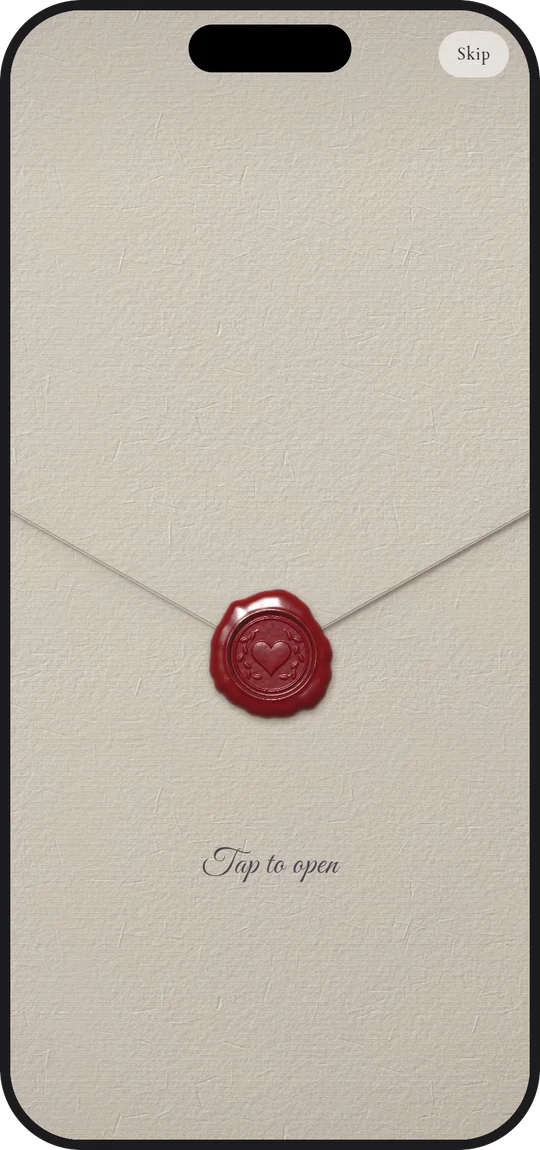
One press of the thumb, the wax seal cracks and the card bearing your names slides out of the envelope.
How it works
Three steps, and your guests have everything
01
Create your event
Names, date, the highlights of the day and a theme: a wizard guides you and suggests a typical day to adapt.
02
Invite your loved ones
Add your guests family by family, then send the invitations by email or text message. Each group gets its own personal link and code.
03
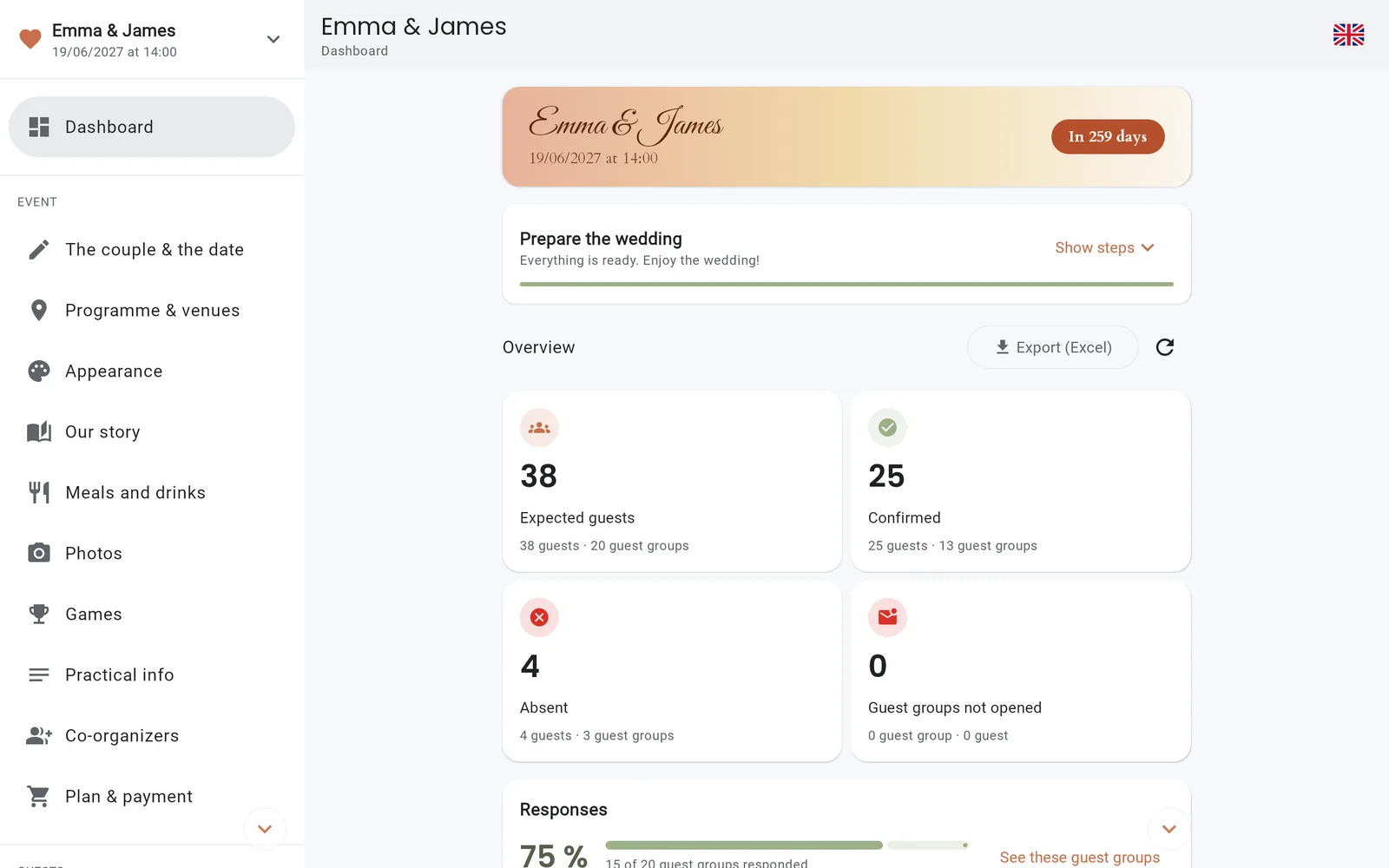
Follow everything live
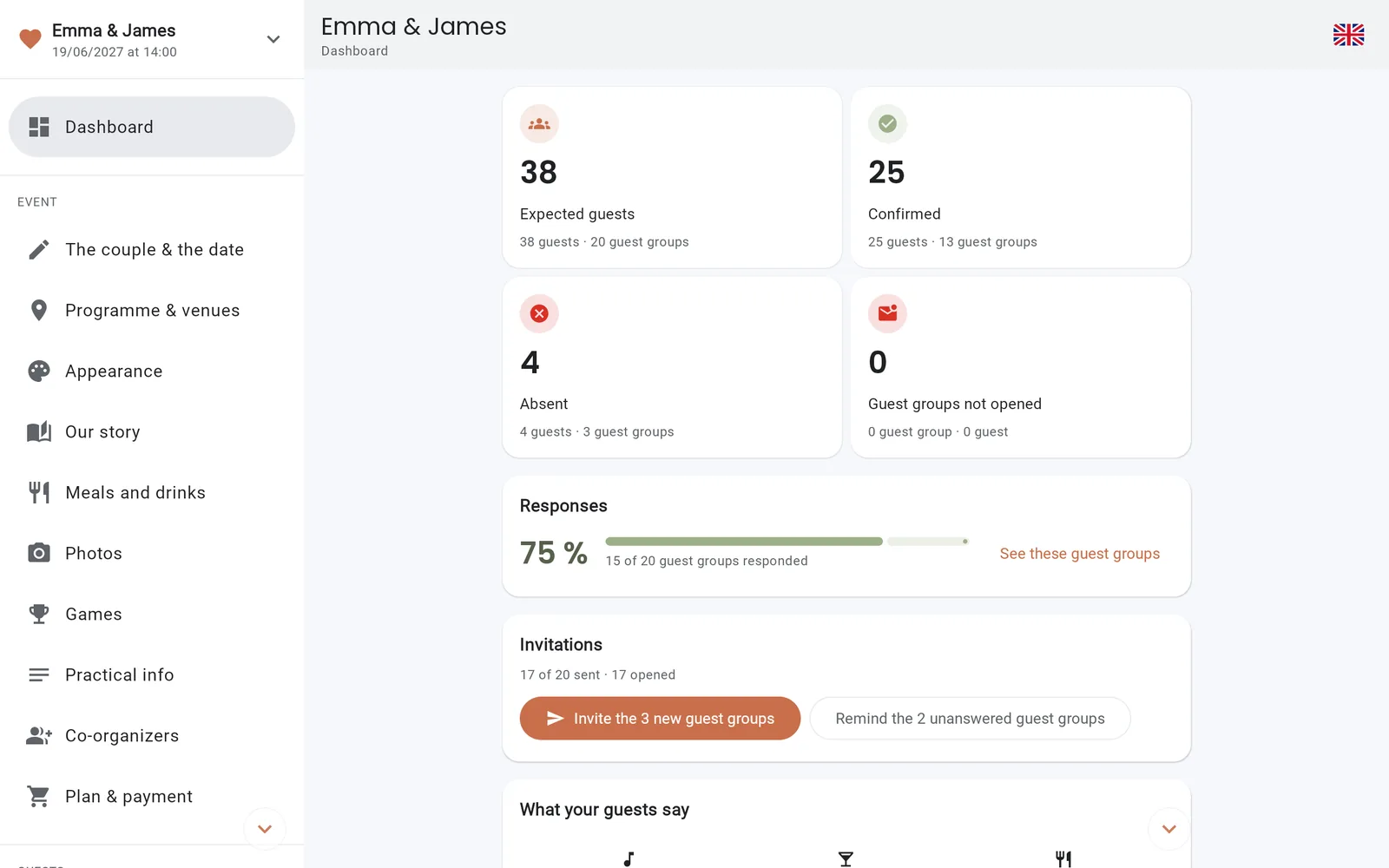
Attendance, menus, allergies, songs: replies land in your dashboard, and you nudge the latecomers in one click.
For organisers
A console built for big days
Everything you need to prepare calmly, on your computer or your phone.
Guests & invitations
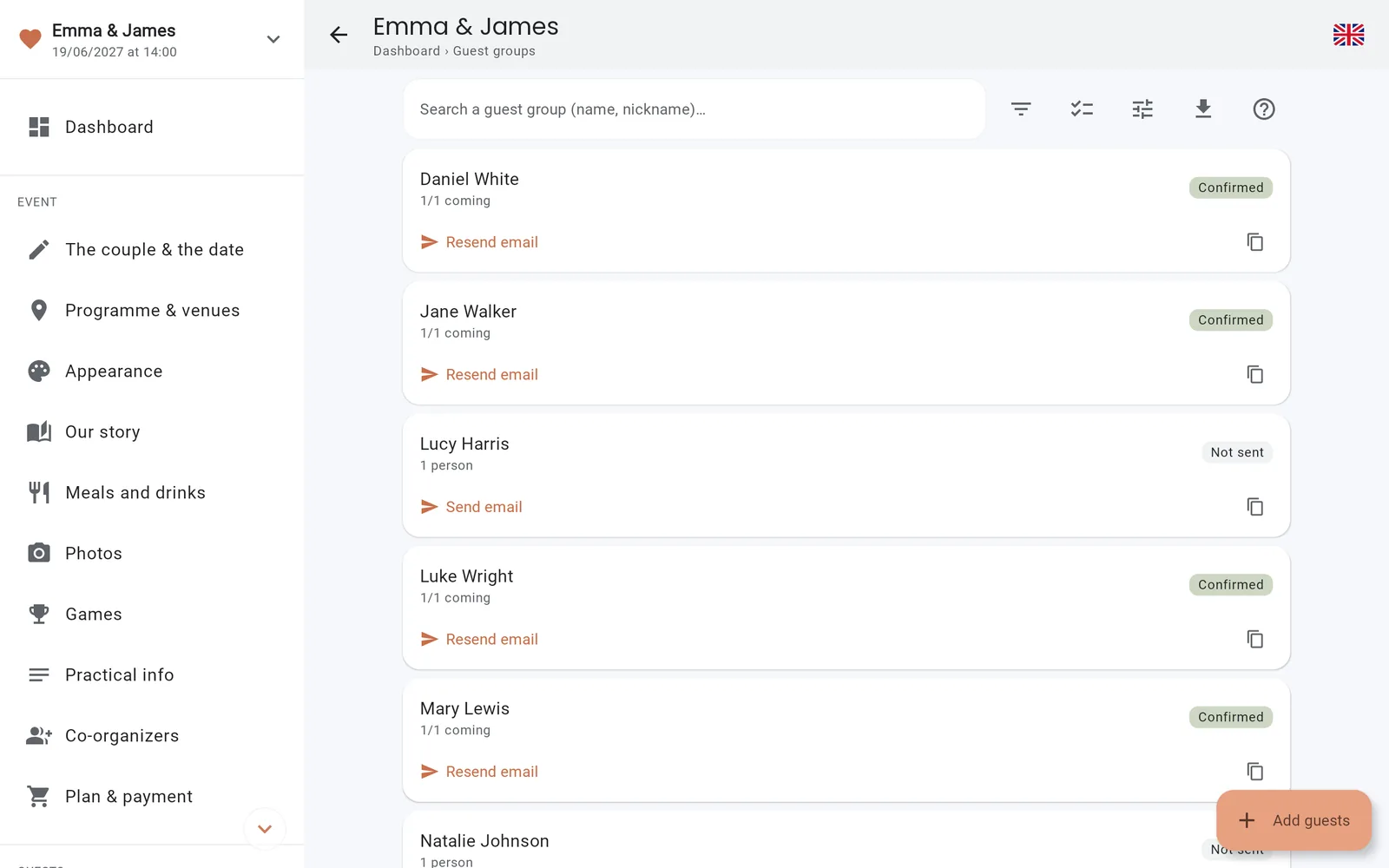
Your guests, family by family
Type one family per line, choose who is invited to what — the ceremony, the dinner, the party — then send the invitations in a few clicks. You know who received it, who opened it and who replied.
Quick entry: one family per line
Invitation by email or text, with a personal link
Every group's status at a glance
Remind everyone who hasn't replied, in one go
idoapp.app/console
RSVPs & meals
The replies come in on their own
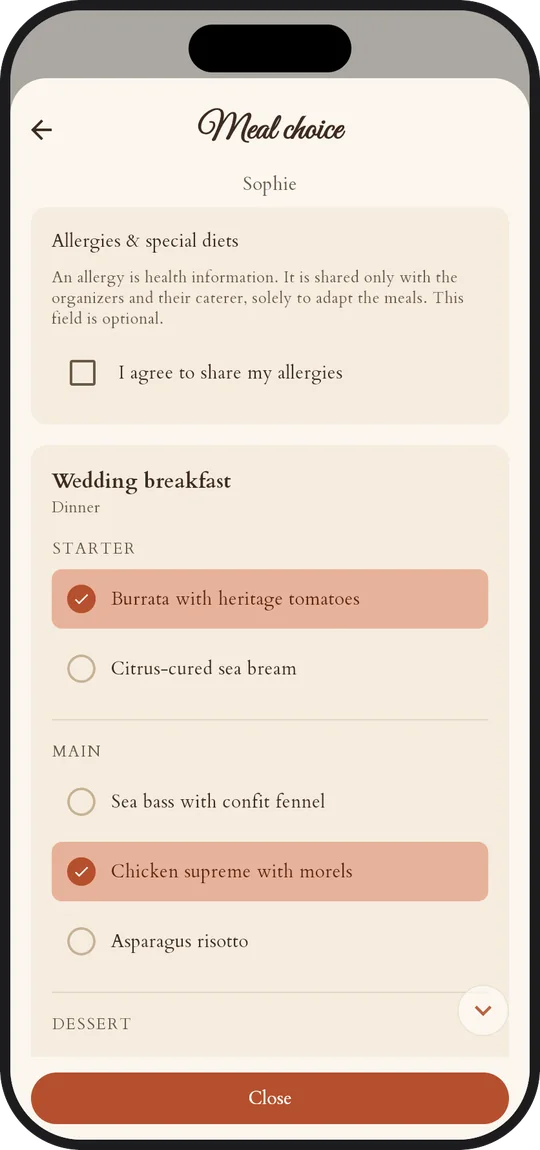
Each guest replies for themselves and their family, chooses their dishes and mentions their allergies. Attendance updates live, and the menus are counted for the caterer.
Dish choices per guest, children's dishes
Allergies collected with consent
Favourite drinks and song requests
A reply by phone? Enter it yourself
idoapp.app/console
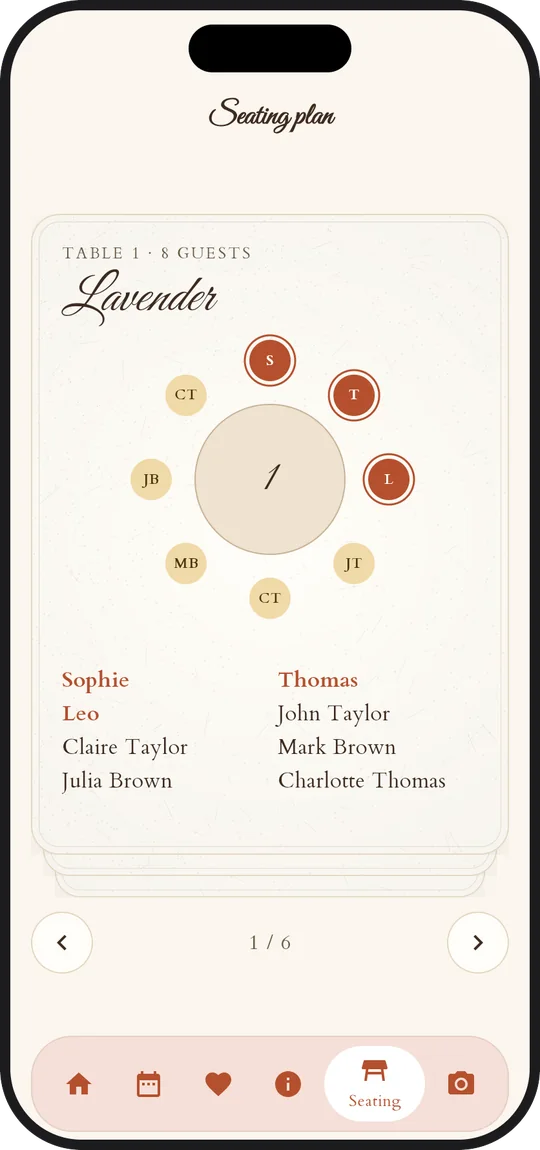
Seating plan
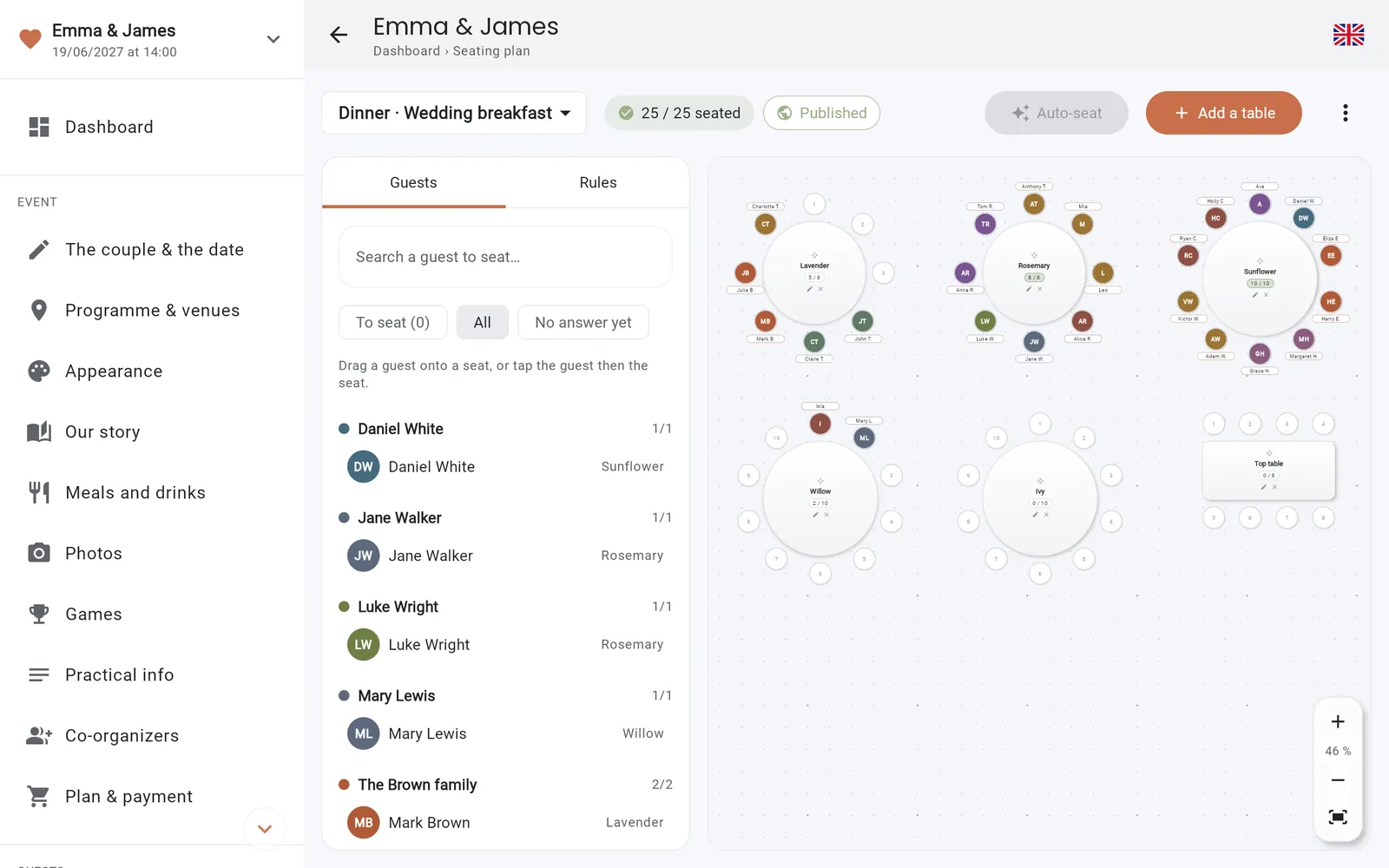
The seating plan, without the headache
Place round or rectangular tables, drag your guests into place, and let automatic arrangement line up the room. On the day, everyone finds their table in the app.
One plan per highlight: dinner, brunch…
Automatic arrangement that follows your rules
A print-ready PDF for the venue
Scheduled reveal, with a notification
idoapp.app/console
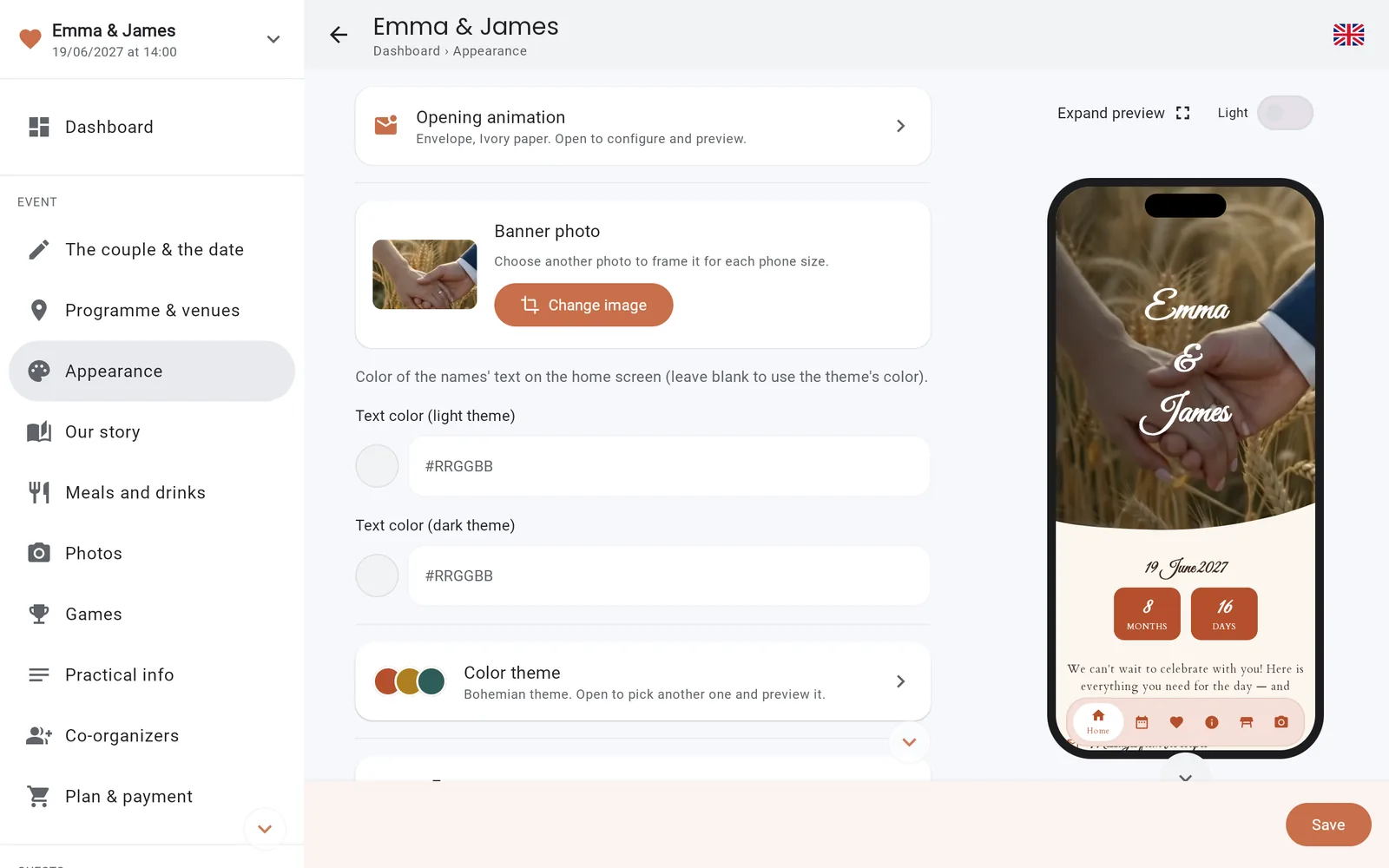
Personalisation
Your style, down to the last detail
Choose a theme, your colours, your font, a cover photo and the opening animation of the invitation. The live preview shows you the app exactly as your guests will see it.
Thirty themes, from Glass to Art Deco
Custom colours and fonts
An envelope to open, like a real invitation card
Interactive preview on a phone
idoapp.app/console
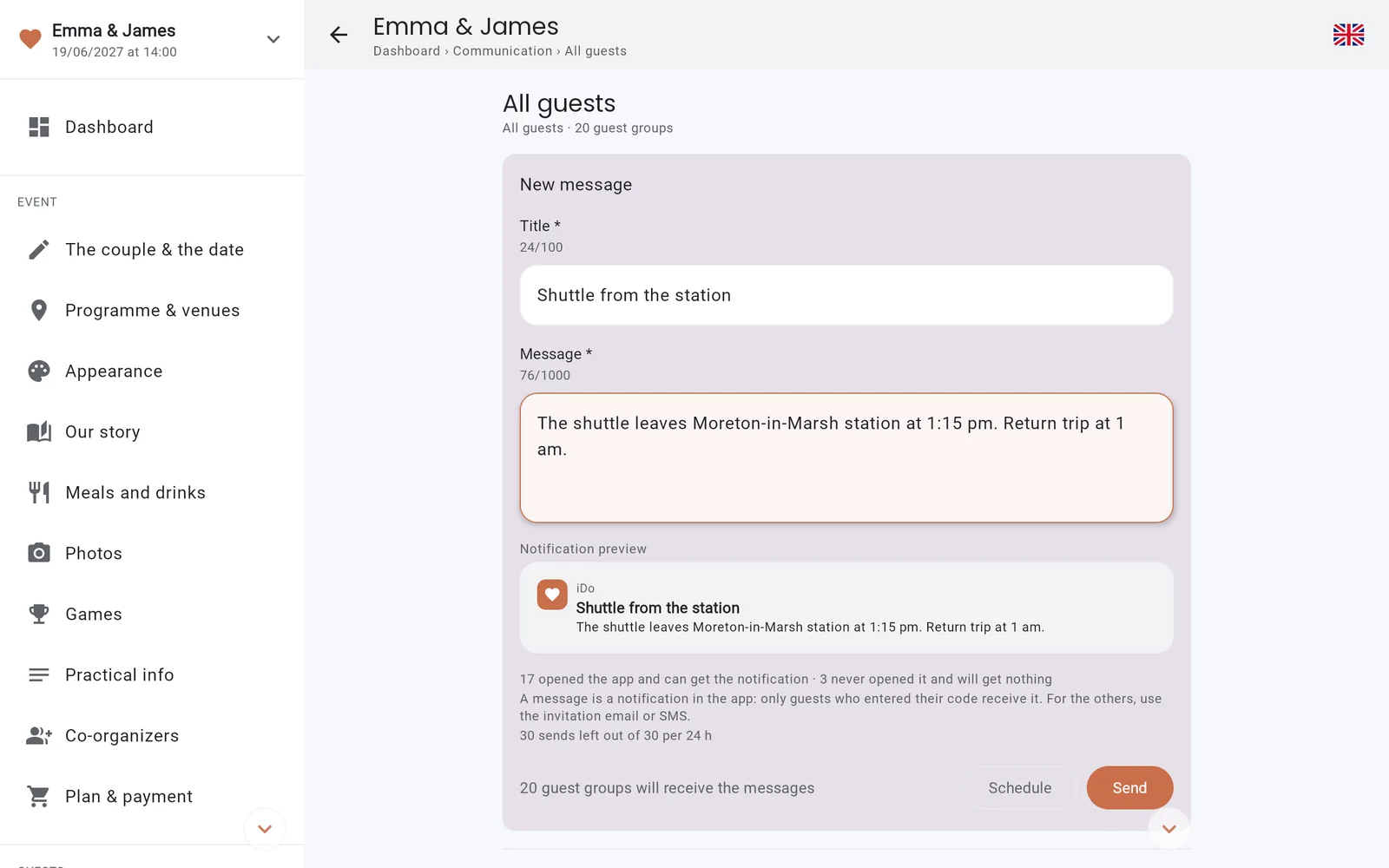
Communication
A word to everyone, or just a few
Create channels — all guests, the family, those staying overnight — and write to them: the message arrives as a notification on their phone. Schedule it in advance for the big day.
Channels by highlight, by group or for everyone
Messages scheduled in advance
Only the guests concerned are notified
idoapp.app/console
And everything else, already thought of
Schedule & venues
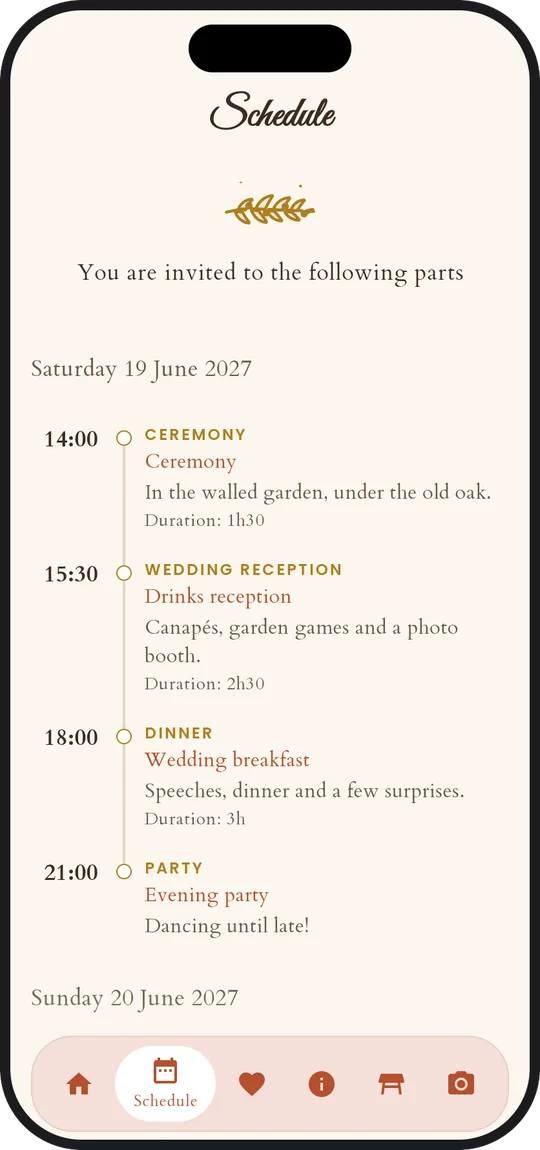
Every highlight with its time, address and directions, even across several days.
The big day, live New
The current step and the next one show on your guests' lock screen, on iPhone and Android alike.
Reminders and delays New
A reminder fifteen minutes before every highlight. Running late? Announce it in one tap: everyone's lock screen and reminders follow.
Practical info
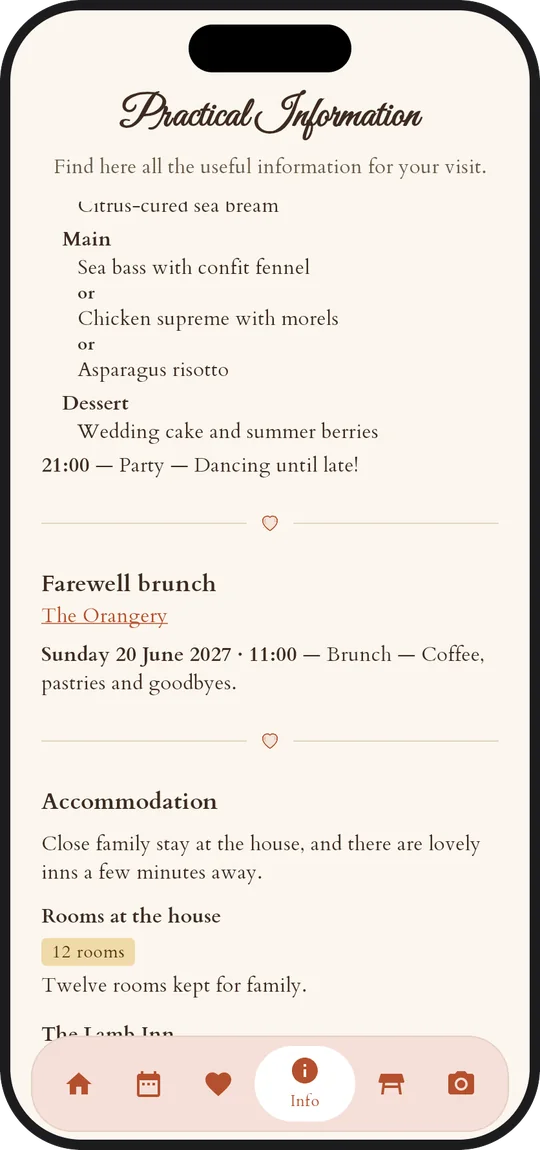
Dress code with its palette, accommodation, gift registry and useful contacts.
Photos, social-network style New
A feed and a gallery: your guests post, react with an emoji, comment and relive every highlight as a story. With no location data.
Moderated photos New
Approve each photo before it goes live, or hand that role to people you trust. A guest flags it, you decide.
PDF guestbook New
The photos, their captions and comments, laid out in your colours, one chapter per highlight: ready to print.
Shared playlist
Your guests suggest their songs by searching the Spotify catalogue.
Excel & PDF exports
Attendance, meals, allergies and seating plan, ready for the caterer and the venue.
Several events
The wedding, the next-day brunch, the next party: one account for everything.
On your phone too
The console works just as well on a computer as on a phone.
Built-in guides
An illustrated guide comes with every key screen, so you never have to search.
100% free for your guests Your guests' app
An app they'll love to open
Your guests install the IDoApp app and enter the code that came with their invitation, or simply tap the link. Everything is there: no account, no password, no ads.
The invitationThe scheduleThe RSVPPractical infoMy tableThe photos
The invitation opens like an envelope, wax seal and all
The schedule hour by hour, with directions
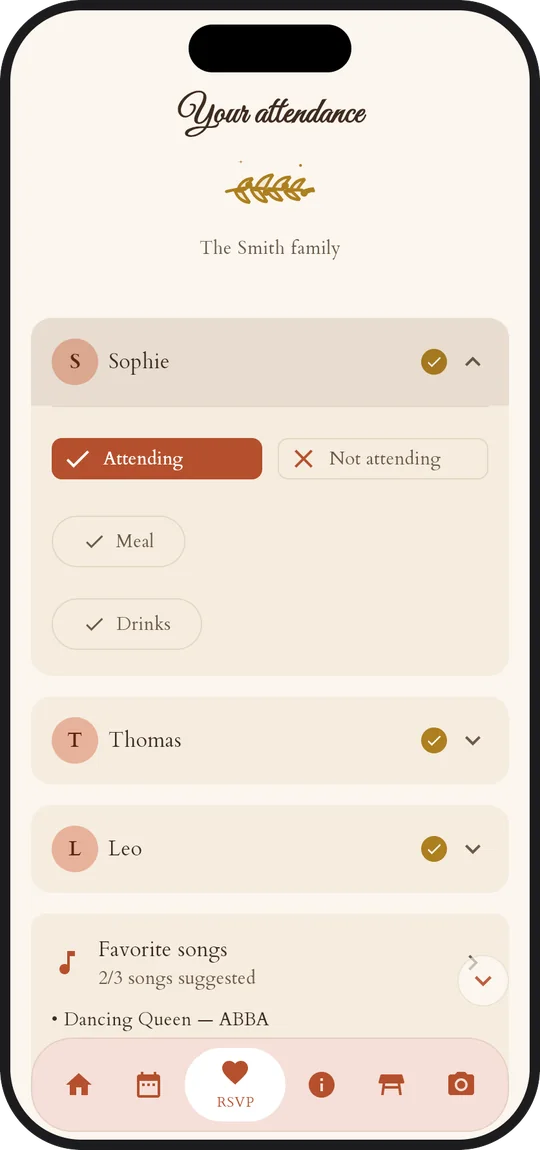
One reply for the whole family
Dish choices, allergies and drinks
Song requests for the party
Dress code, accommodation, gift registry
Their table, revealed at the right moment
A photo feed, with reactions and comments
Every highlight replayed as a story
Your messages, received as notifications
The day's programme on the lock screen
A reminder before every highlight
Your story, read like a letter
Games: photo challenges and pairs
Plans changed? Let the hosts know
Coming soon toApp StoreComing soon toGoogle Play
In English, French, German, Italian, Dutch and Spanish, following the phone's language.
Themes
A style that feels like you
Start from a theme, then adjust colours and font: your guests step into your world as soon as they open the invitation.
BohemianRomanticElegantTropicalRusticClassic
Trust
Your data, and your guests', respected
Hosted in Europe
The database and the photos are stored in the European Union.
Allergies protected
They are health data: the app asks for explicit consent before collecting them.
Photos without location
GPS coordinates are removed from photos before they are shared.
No ads, no resale
No ads, no ad tracking, and no data is ever sold.
Pricing
A clear price, paid once
No subscription: a one-time payment per event, when you send your invitations. Preparing everything is free. And your guests never pay.
Intimate
For a birthday, a christening, a party with your closest.
Add only what you need, when you need it. Changing plan only costs the difference.
Shared photo feedFor Intimate and Classic. Your guests share their photos in one album, with no location data.€25
Photo boothA phone on a tripod becomes a photo booth, per spot: its photos join the feed.€25
100 text messagesTo invite or remind those who don't read their emails.€15
300 text messagesFor a long list, or several reminders.€50
Available at any time from the console, for the event of your choice.
Your guests never pay. The IDoApp app is free on iPhone and Android, with no account to create and no ads.
Prices include VAT. One-time, secure payment through Stripe, invoice included. No subscription, no renewal. A promo code? Enter it on the payment page.
Frequently asked questions
Everything you're wondering
Do my guests need to create an account?
No. They install the free app and enter the personal code that came with their invitation, or tap the link in the email or text message. That's all.
What about guests without a smartphone?
Record their reply yourself from the console, after a phone call for instance. They count in your figures, menus and seating plan like everyone else.
Which languages?
The console and the app are available in English, French, German, Italian, Dutch and Spanish. The app follows each guest's phone language; your own texts stay exactly as you write them.
Can I prepare everything before inviting anyone?
Yes. Build your schedule, theme and guest list at your own pace, check everything in the preview, and only send the invitations when you're ready.
Can I organise several events?
Yes, with a single account. Your guests can also follow several events in the same app.
Is payment secure?
Yes. It goes through Stripe: we never see your card number, and you receive an invoice.
What happens to the data after the event?
You stay in control: delete your event or your account at any time from the console, and everything is erased, photos included.
I do&
Ready to say “I do”?
Create your event in a few minutes. Your guests will thank you.



 IDoSnapp